 OneMissingPiece
Something missing.
A place to start.
A mobile app for the goods and services you need. Show or describe it, review local matches and choose who to contact.
A Samos app in development for Android and iOS.
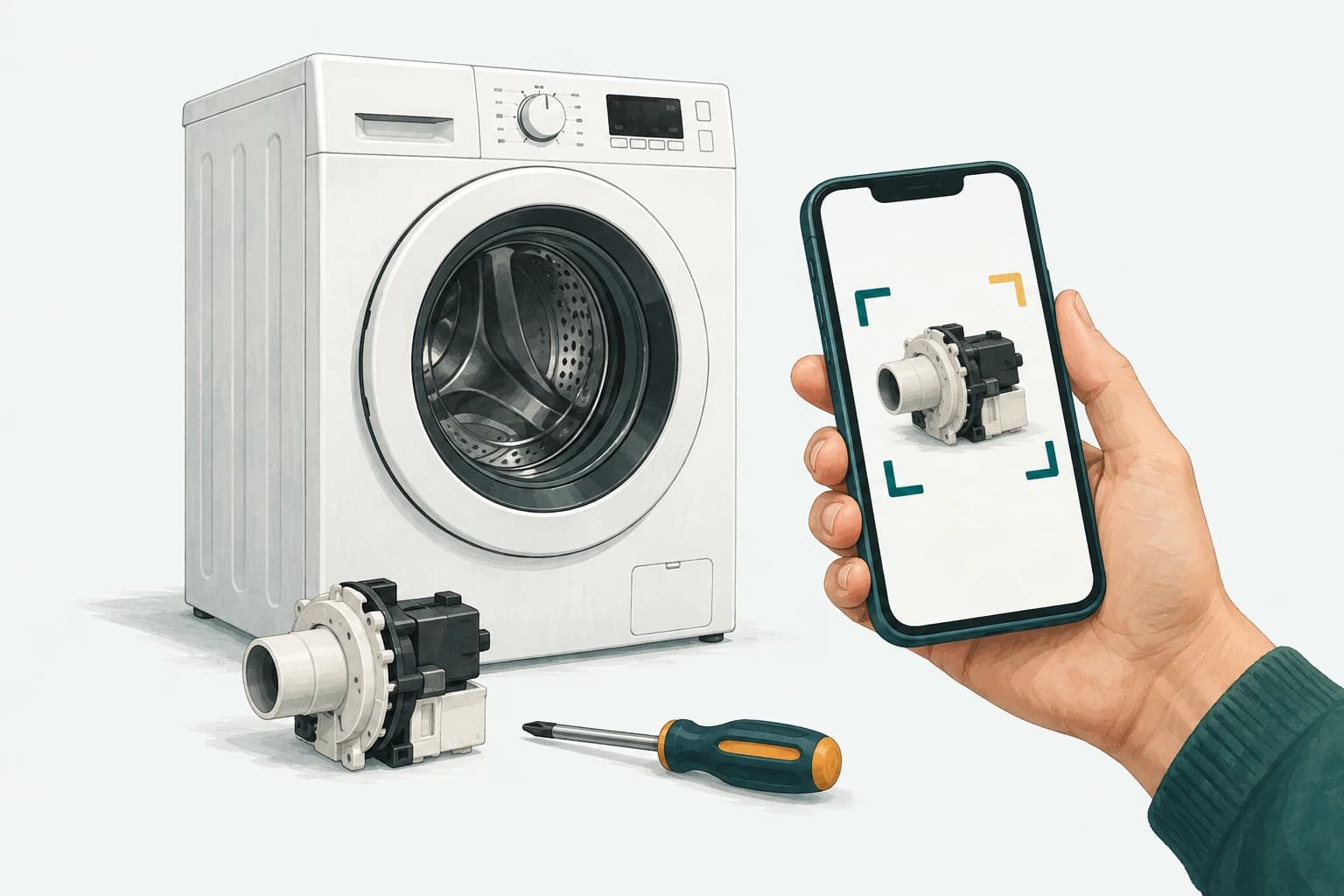
From photo to conversation
Start with what you know. You stay in control of the details and the people you contact.
Show what you need
Add a photo or describe the item or service. Optional AI can suggest details; review or edit them and choose a category.
Set your location
Choose your city, or opt in to approximate location for nearby results. The current operating area is Pakistan.
Review the recipients
The app selects up to 10 eligible best matches. Review their profiles, coverage and available reviews, remove anyone you do not want to contact, then tap Send.
Choose the conversation
Selected providers receive the request in their inboxes and can send a bid. Compare responses and start a chat with the provider you want to speak to.
The right kind of help
Matching brings together your category, location and a provider’s tags and coverage. The catalog spans 92 goods and service categories across 14 groups.
Find a relevant seller
Choose from goods categories such as electronics, vehicle parts, apparel and household items. Matching checks the seller’s approved tags and declared delivery coverage.
Your city comes first
Nearby sellers come first. A seller farther away is eligible only if their delivery coverage includes your location.
Pakistan is the current operating area. This illustrates the matching flow, not a live provider directory; availability varies by category and location.
Your request, kept together
A photo or a few words starts the request. Profiles, bids, messages and next steps stay connected to it.
The interface is being built in English and Urdu, with a saved language choice and right-to-left layout.
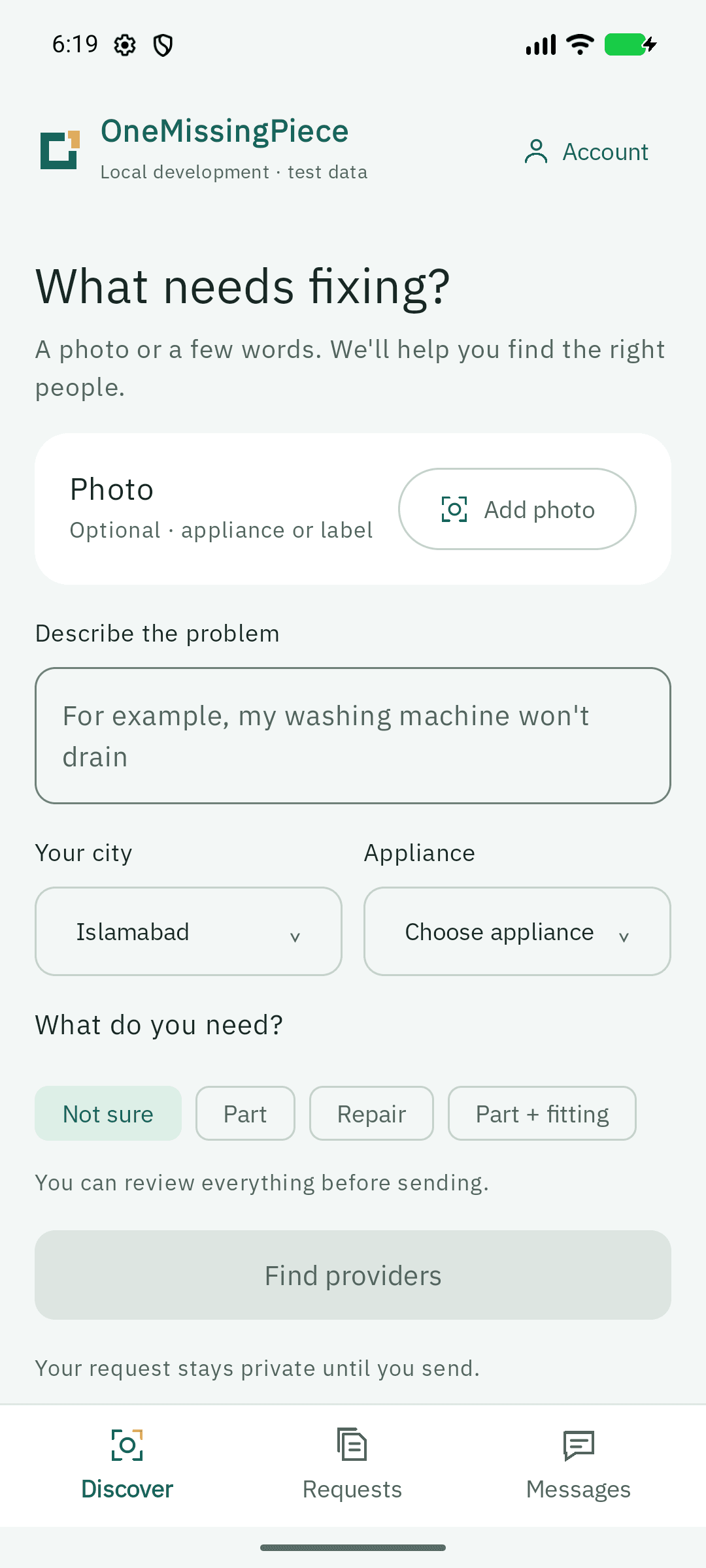
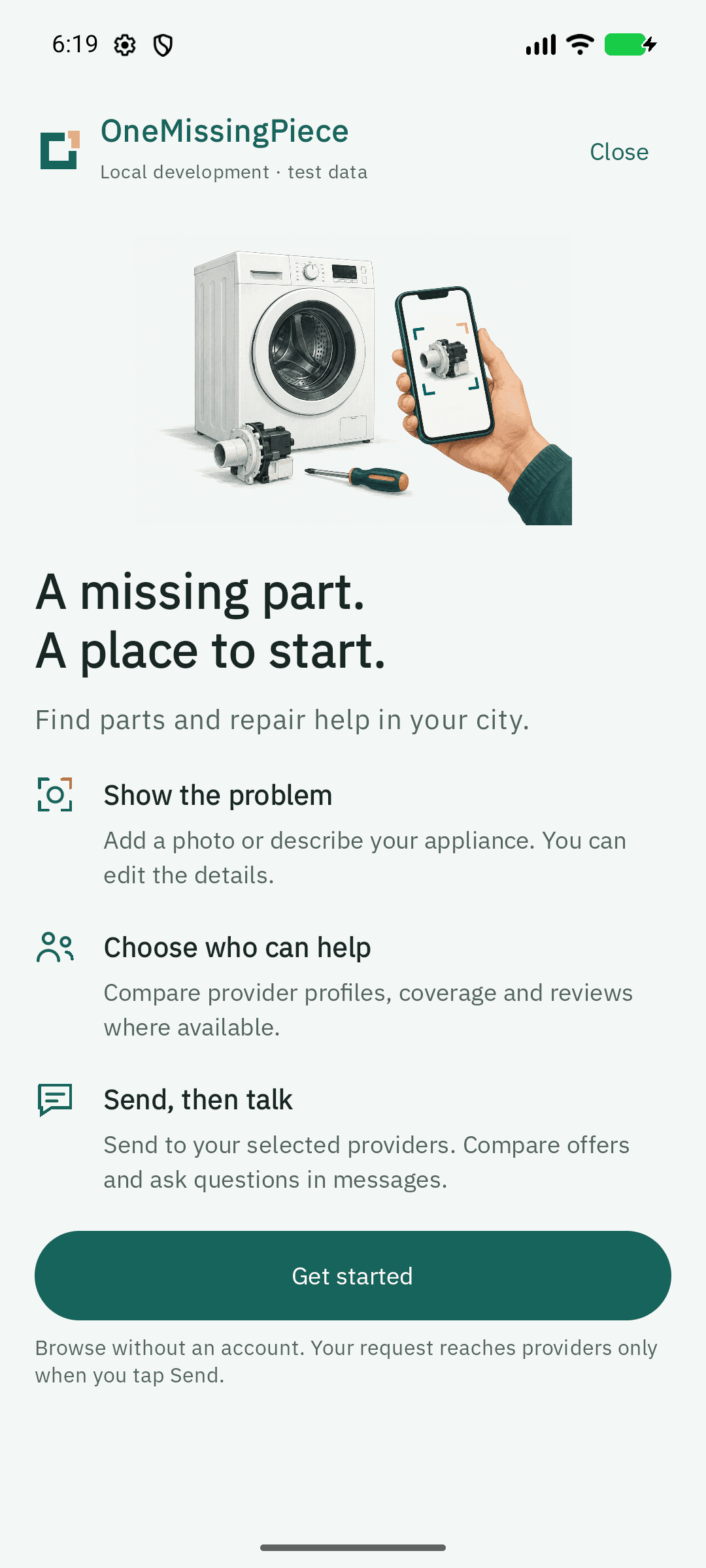
Early Android captures of the appliance flow. The expanded catalog and routing are still being tested; screens and features may change before release.
Check the fit
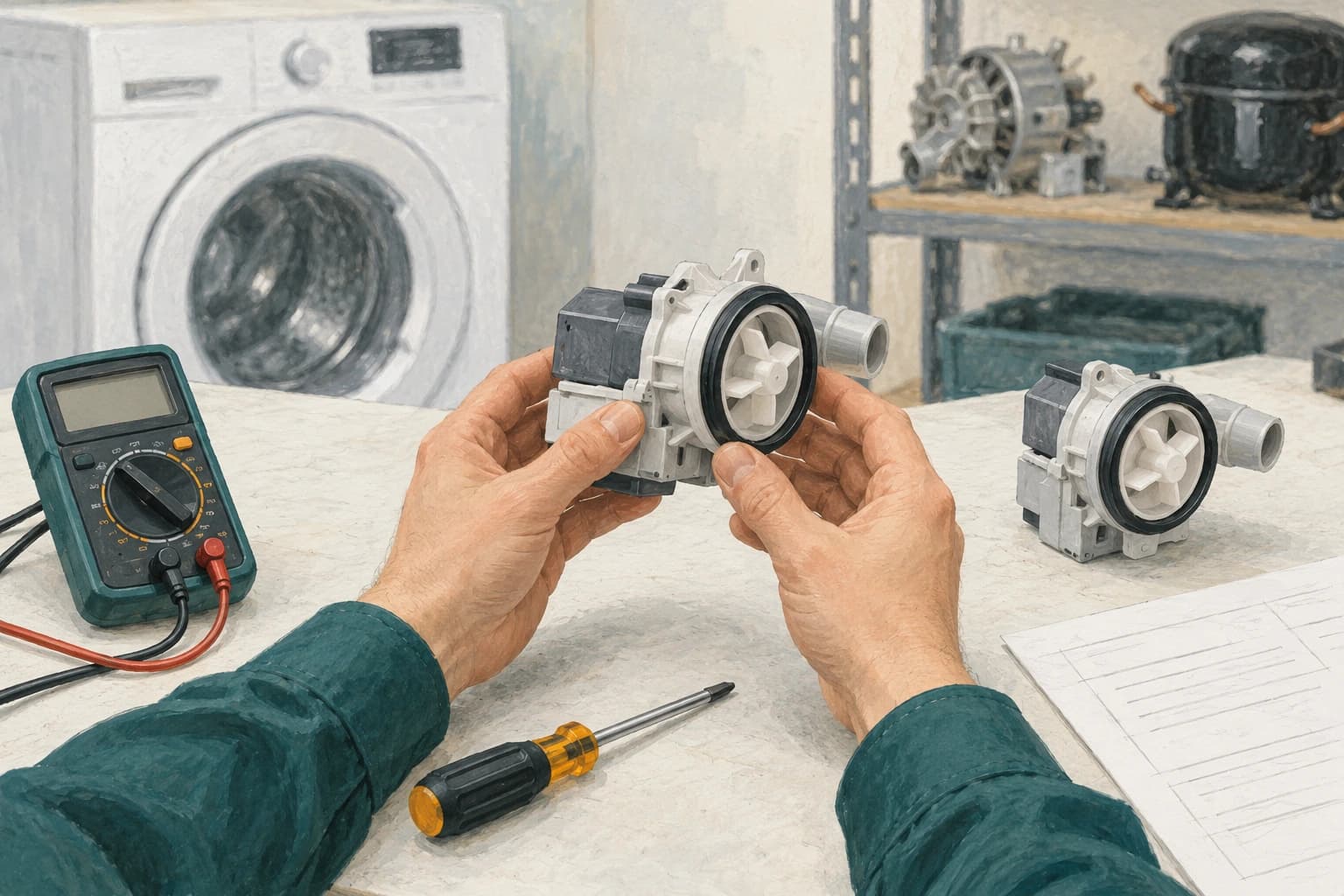
Appliance repair is one example. A model reference, the part’s condition and the provider’s fit evidence help you decide what comes next.
Compare the offer and ask about scope, warranty and return terms before agreeing. AI does not certify compatibility or replace a qualified expert’s judgement.
Before you get started
What can I request?
The current catalog has 92 predefined goods and service categories in 14 groups, including home trades, electronics, vehicles, equipment, apparel, household goods, events, digital services and food. Categories organize requests; they do not mean every category has its own finished ordering or fulfillment flow.
Can I continue without a photo or AI?
Yes. Describe what you need and choose the category manually. Photos are optional; adding a request photo automatically starts cloud AI image analysis when available. Its suggestions can be wrong and you can edit them. It does not confirm product compatibility or replace an expert’s judgement.
How does location matching work?
The city list covers 208 Pakistan operating cities in seven province or region groups, based on an attributed GeoNames snapshot. With optional approximate location, matching starts within 10 km in your city, then expands to the rest of the city, nearby cities whose centers are within 75 km of your city center, your province or region, and finally Pakistan. Without location access, choose your city manually. Declared service or delivery coverage is required at every stage; a listed city does not guarantee providers are available there.
Who receives my request?
Before Send, the app clearly shows up to 10 eligible best matches selected by default. You can remove recipients. Only the remaining displayed recipients receive your request details, shared photos and city. You receive a confirmation after sending.
How do provider tags work?
Providers can choose multiple goods or service tags and edit them as their work changes. Matching uses approved tags, location and declared coverage together, rather than a business name alone. Approximate matching can still need your review.
How do bids and conversations work?
A provider can submit one bid per version of your request. You compare responses and decide when to start a chat. In-app notifications cover new requests, bids and messages, and participants can block or report another participant.
Where do reviews come from?
The app links customer reviews to completed orders. A new provider may have no reviews; missing reviews are not displayed as a rating.
Can I download it now?
Android testing is by invitation. You can request an invite below. Public downloads and in-app payments are not available yet.
Request an Android test invite
Email us your city to join the list for the invite-only test.